Creating a home office that feels both cozy and productive can greatly improve your work-from-home experience. Whether you have a dedicated room or just a small corner, setting up the right environment can boost your focus and make your workday more enjoyable. Here are some practical tips to help you design a space that combines comfort with functionality.
Choose the Right Location
Find a Quiet Spot
Start by selecting a spot in your home that is relatively quiet and free from distractions. If possible, pick a room or area away from the main flow of household traffic. This helps you concentrate and reduces interruptions.
Consider Natural Light
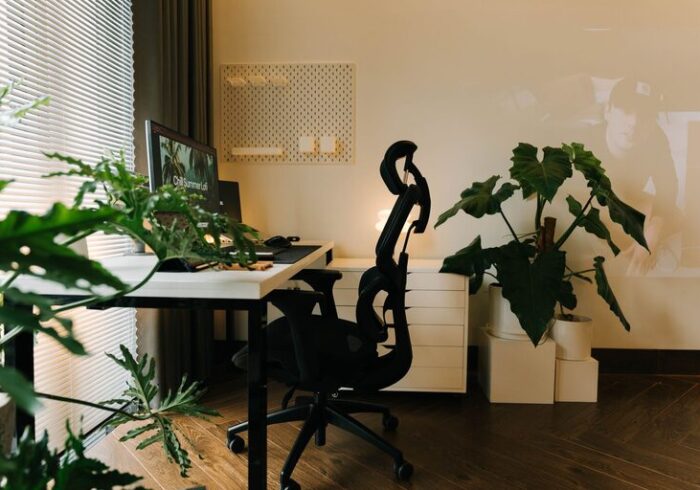
Natural light has a positive effect on mood and productivity. Position your desk near a window to take advantage of daylight. If this isn’t possible, invest in good-quality lighting that mimics natural light.
Invest in Comfortable Furniture
Ergonomic Chair and Desk
Comfort is key for long working hours. Choose an ergonomic chair with good lumbar support to protect your back. Pair it with a desk at the right height to maintain healthy posture.
Flexible Setup
If you prefer standing from time to time, consider a sit-stand desk or a converter. Alternating between sitting and standing can help reduce fatigue and improve circulation.
Personalize Your Space
Add Cozy Elements
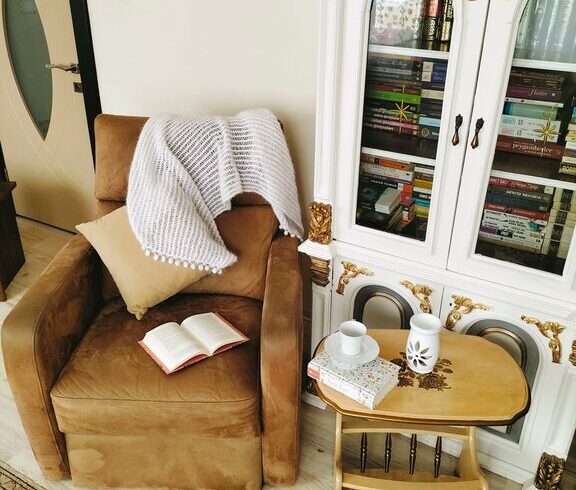
Incorporate items that make you feel relaxed, such as a soft throw blanket, cushions, or a small rug. These touches can soften the look of your workspace and create a welcoming atmosphere.
Display Inspiring Items
Keep a few meaningful items nearby, like photos, plants, or artwork that inspire you. These can boost your mood and motivation throughout the day.
Keep Your Workspace Organized
Declutter Regularly
A tidy desk helps maintain focus. Get into the habit of clearing unnecessary items and papers daily to keep your workspace uncluttered.
Use Storage Solutions
Use shelves, drawers, or organizers to keep supplies within reach but out of sight. Labeling containers can also speed up finding what you need.
Optimize Lighting and Sound
Use Task Lighting
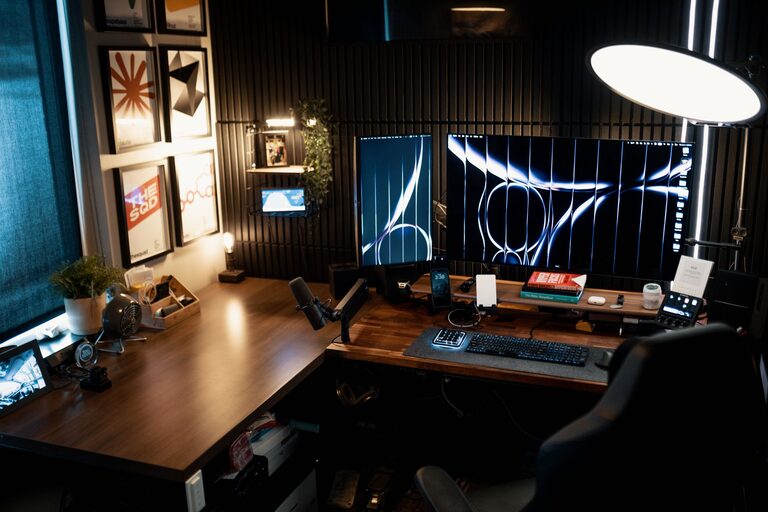
In addition to natural light, have a desk lamp to provide focused lighting for reading or detailed work. Adjustable lamps let you control brightness and direction.
Minimize Noise
If background noise distracts you, use noise-canceling headphones or play soft instrumental music to create a peaceful work environment.
Manage Technology Effectively
Upgrade Your Equipment
Reliable technology increases productivity. Invest in a fast internet connection, a quality monitor, and a comfortable keyboard and mouse.
Organize Cables
Avoid tangled cords by using cable organizers or clips. This not only keeps your desk neat but also prevents accidental disconnections.
Establish Boundaries
Set Work Hours
Define clear work hours to create separation between your job and personal life. This helps prevent burnout and keeps your days balanced.
Use a Dedicated Workspace
Try to limit work to your designated office area. When work is confined to a specific place, it’s easier to switch off mentally at the end of the day.
Incorporate Plants and Air Quality
Add Greenery
Plants improve air quality and add a natural, calming vibe to your office. Easy-care plants like succulents, snake plants, or pothos work well indoors.
Keep the Air Fresh
Good ventilation is important. Open windows when possible or use an air purifier to maintain a healthy environment.
Take Breaks and Move
Set Timer Reminders
Use timers or apps to remind yourself to take regular breaks. Stretching or a short walk can refresh your mind and reduce physical strain.
Create a Relaxation Spot
If space allows, have a comfortable chair or corner nearby for short relaxation breaks. This can help you recharge without leaving your home.
—
Creating a cozy and productive home office takes a little planning and personalization. By focusing on comfort, organization, lighting, and boundaries, you can enjoy a workspace where you feel both at ease and motivated to do your best work. Start with a few of these tips and adjust your setup as you learn what works best for you. Happy working!